Export
What comes out of a successful run, what's inside the GGUF bundle, and how to verify it before you ship.
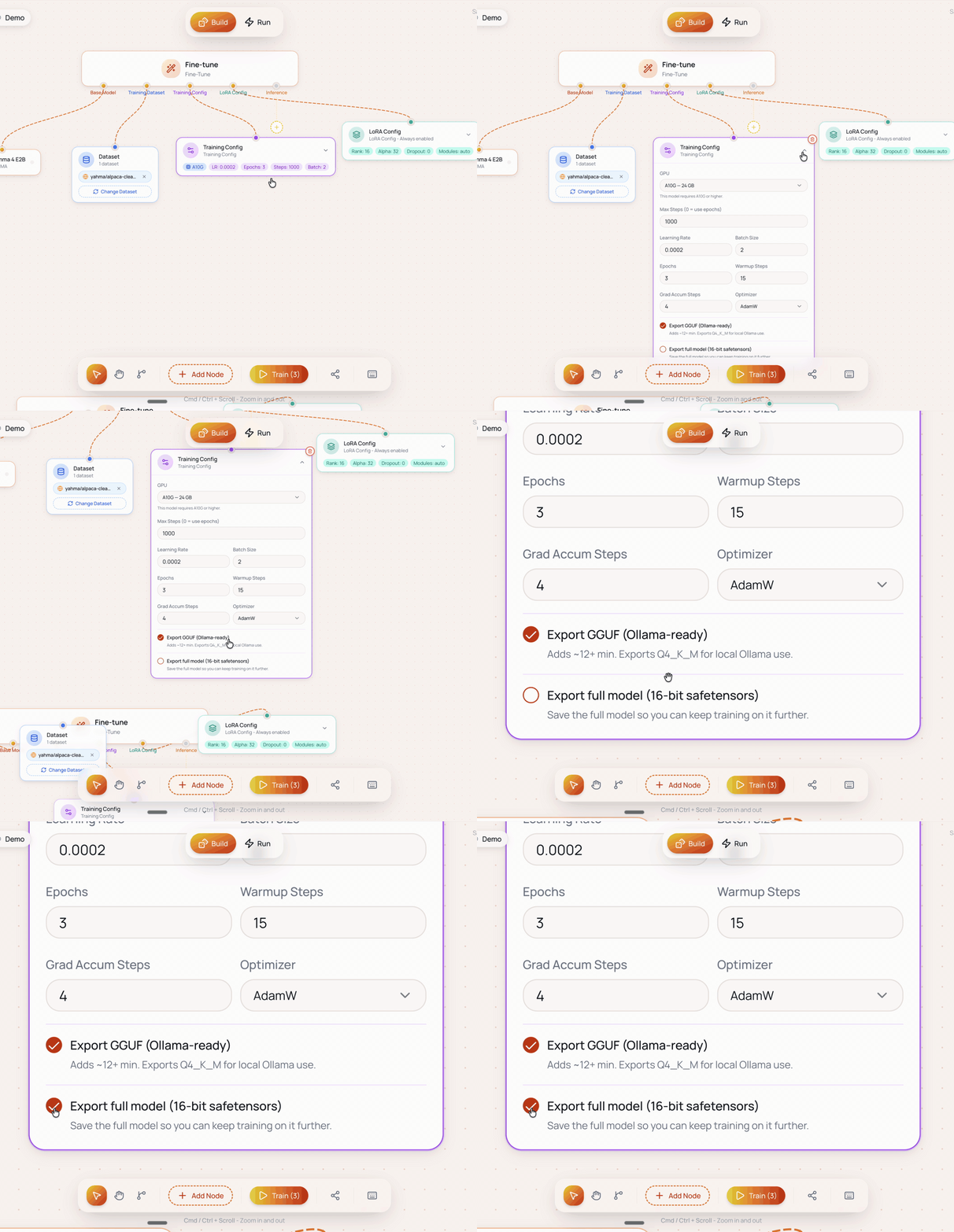
A successful Ertas run always produces a LoRA adapter in Hub. In the Training Config you can also opt into two full exports: a Q4_K_M quantised GGUF (the file you ship into an app) and a full 16-bit safetensors model (a standalone checkpoint you can keep training on). The LoRA is the compact source of truth you can re-merge into a different base later. This section covers what is inside each bundle, how quantization shapes the size and quality, and how to sanity-check the export before it lands in front of users.
Once you have a GGUF, wiring it into an app is a task your coding agent handles well. Point Cursor, Claude Code, Codex, OpenCode, or any agent at the Ship guides and have it integrate the file while you review.
GGUF overview
Read the gguf overview guide.
Safetensors overview
Read the safetensors overview guide.
Quantization
Read the quantization guide.
File Sizes And Formats
Read the file sizes and formats guide.
Verifying Exports
Read the verifying exports guide.
The shortest possible summary
If you read nothing else in this section, read this:
- The GGUF download is a single ZIP containing
model.gguf, an OllamaModelfilewith the right chat template and sampling defaults,install.bat/install.shscripts, and aREADME.txt. - The full 16-bit safetensors export is opt-in: tick Export full model (16-bit safetensors) in the Training Config. It is the full merged model in 16-bit (much larger than the GGUF), and its job is to let you keep training on it later, including as the base for a new run via Continue from your models, or serve it with vLLM. Full story: Safetensors overview.
- Ertas quantises every export to Q4_K_M today. It is the practical sweet spot between size and quality. Additional levels (Q5_K_M, Q8_0, Q3_K_M, Q2_K) are on the roadmap.
- The GGUF is ready for Ollama, llama.cpp, LM Studio, and any other llama.cpp-compatible runner. No additional conversion needed.
- A Q4_K_M GGUF is roughly a quarter of the original fp16 model size. A Phi-4 Mini fine-tune lands around 2 to 3 GB; larger bases scale roughly linearly. See File sizes and formats for the exact numbers.
- Verify before shipping. The five-minute smoke test in Verifying exports catches the failure modes that survive Ertas's internal checks.
Start with GGUF overview if the format is new to you, Safetensors overview if you are heading for server deployment or continued training, or jump to Quantization if you already know GGUF and want the per-level trade-offs.